
Is It Safe to Plug In a USB Gadget From a Mystery Box?
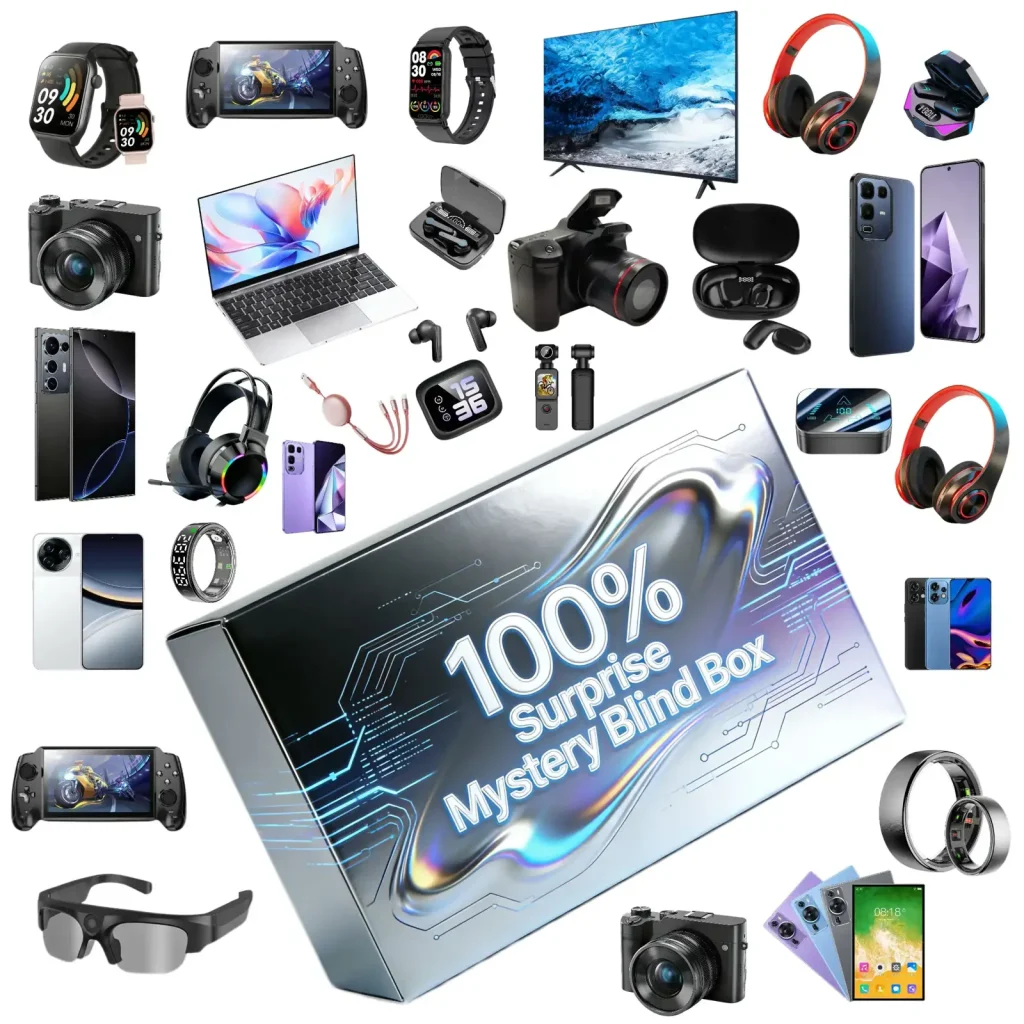
You have a box of gadgets from a factory you cannot name, and most of them want a USB port. Is it safe to plug them in? For nearly everything in an electronics mystery box the answer is yes, with two habits that cost you nothing. For one kind of item, a storage drive, the answer is slower. Here is how you sort the box into "plug in", "plug in carefully" and "not on my computer".
What a USB Port Can Actually Do to You
A USB connection carries two things: power and data. Power is harmless in the security sense; a fan, a lamp or a charger drawing current from your port cannot read anything. Data is where the risk lives, because a device on the data lines can present itself to your computer as a keyboard, a network adapter or a disk, and your computer will believe it. That is the whole of USB security in one sentence, and it tells you which items to think about.
The FBI and the Federal Communications Commission have both warned the public about this, mainly in the context of public charging kiosks, under the name "juice jacking". The advice they give is the same advice that applies to an unknown gadget on your desk: use your own charger where you can, use a charge-only cable or a data blocker where you cannot, and when your phone asks whether to trust the connection, say no. Those three habits cover almost every item in the box. The one item that talks to your network rather than your USB port, the Android streaming box, has its own check in an Android TV box from a mystery box: certified, clone, or malware.
Sort the Box Into Three Piles
- Power-only items, which is most of the box, carry no data and are safe to plug in anywhere.
- Cables and chargers are safe as long as you refuse the "trust this device" prompt on your phone and charge from a wall, not a computer. The USB gadgets that point at your body rather than your data, the ear camera and the UV sanitiser, have their own safety notes in an ear camera cleaner from a mystery box and UV phone sanitiser from a mystery box.
- A USB storage drive from an unknown source is the one item you do not plug into your main computer; test it on something you do not mind losing, or not at all.
Pile one: power only. Fans, lamps, humidifiers, warmers, LED strips, anything with a USB plug and no reason to talk to a computer. Plug these into a wall adapter or a power bank and they are as safe as a torch. If you plug them into a computer they draw power and nothing else, but there is no need to.
Pile two: charges or pairs. Earbuds, speakers, watches, power banks, and the cables that came with them. These connect for charging, and the wireless ones pair over Bluetooth rather than through a cable. Charge them from a wall adapter. When you must connect one to a computer, your phone or laptop will ask whether to allow data access, and you decline. The cable itself is worth a moment: what it is rated for is in how to read the USB cables in your mystery box, and a cable that carries no data at all is, for this purpose, the safest cable there is.
Pile three: storage. A flash drive, a memory card, a card reader, or anything sold as a "USB gadget" that turns out to be a drive. These exist to move data, and a drive from an unknown factory is the classic way to put something on a computer that you did not choose. This is the pile that gets a different rule.
What to Do With Each Pile
| Item | Pile | Plug into a computer? | What you do instead |
|---|---|---|---|
| USB fan, lamp, warmer, LED strip | Power only | Harmless, but unnecessary | Wall adapter or power bank |
| Earbuds, speaker, watch charging | Charges | Fine; decline any data prompt | Wall adapter |
| Power bank | Charges | Fine for charging it; decline prompts | Wall adapter |
| USB-C or Lightning cable | Charges | Fine; decline "trust this computer" | Test data with a phone you control |
| Wireless keyboard or mouse with a USB receiver | Pairs | Acceptable; the receiver is a radio, not a drive | Watch for anything unexpected on screen |
| Flash drive, memory card, card reader | Storage | Not on your main machine | Old laptop, or a phone, or skip it |
| Anything that identifies as a keyboard when plugged in | Suspicious | Unplug at once | Report to the seller |
Read the last row twice. A device that is not a keyboard but makes your computer think one has been attached is the one behaviour that should end the test immediately. It is rare, and it is not what a cheap fan does, but it is the reason to keep an eye on the screen the first time you plug anything in.
Note: Your phone's prompt is doing the work. When you connect a phone to something by cable and it asks whether to allow access to your data, or whether to trust this computer, that prompt is the boundary between charging and data. Answer no unless you connected on purpose to move files. A charger, a power bank or a cable never needs a yes.

The Storage Drive: A Careful Routine
- Decide whether you need it. A cheap flash drive from an unknown source is worth very little, and the safest use is none. If you skip it, you skip every remaining step.
- Use a machine you do not care about. An old laptop with nothing on it, or a phone through an adapter, is the right place for a first look. Not the computer with your accounts and your photographs on it.
- Turn off autorun on that machine, or confirm it is off. Modern systems default to off, but confirm.
- Format the drive before you store anything on it. Formatting removes whatever was on it and gives you a clean, known starting point.
- Test the capacity after formatting, because the other common problem with a mystery box drive is that it holds far less than the label says; the free fill-and-verify test is in testing the USB drive or memory card from your mystery box.
The reason for a throwaway machine is not that drives from mystery boxes are commonly malicious; they are commonly just cheap. It is that the cost of the precaution is a few minutes, and the cost of being wrong is your main computer. That is a trade you should take every time.
What Is Not a Risk
It helps to be clear about what you do not need to worry about. A wall charger cannot read your phone; there are no data lines in mains-to-USB. A power bank cannot either, unless it is also a hub, which is rare and obvious. A Bluetooth item pairs over radio, and the pairing prompt on your phone is the same gate as the cable prompt. A cable can only carry data if the device on the other end is a computer, and you control that. So most of the box is not a security question at all, and the caution belongs on the storage pile, where it costs you nothing to apply. Whether the items themselves are what they claim is a separate question, covered in how to spot counterfeit accessories in a mystery box.
What This Means When You Order
You can ask the seller two things before you buy. Does the box contain storage devices, and if it does, are they new and unformatted from a named supplier? And are the devices powered on and checked before dispatch? Mewoo tests devices before packing and states the categories a box is built around; hold any seller to the same. Then sort the box on arrival into the three piles, charge from the wall, say no to the data prompt, and give the drive a throwaway machine or a pass. Ten minutes of sorting turns a security question into a routine.
FAQ
Can a USB charger or cable from a mystery box steal my data?
Not a charger: a mains adapter has nothing inside that could receive a file. A lead is passive too; it becomes a data path only once a computer sits at the far end, and your phone interrupts that moment with a trust prompt you can refuse. Use wall sockets and power banks freely, keep the prompt as your lock, and remember that hardware built to attack through a cable is expensive, rare, and absent from budget boxes.
Should I plug a free USB flash drive into my computer?
Not the one with your life on it. Storage is the single category built to load files onto a machine, and an unknown drive is the textbook way that happens. If you want it, open it first on an old laptop or through a phone adapter, wipe it by formatting, then check that its real size matches its label. If none of that appeals, the drive is worth little enough to leave in the box.
What is juice jacking and does it apply at home?
It is the name federal agencies gave to tampered public charging points that try to pull data through the USB port while your phone charges. At home the same defence applies to unfamiliar gadgets: charge through your own wall adapter, use a lead that carries power only when you can, and decline any request for data access. Follow those three and the kiosk warning and the mystery box question have the same answer.
My phone asked "Trust this computer?" when I connected a gadget. What should I do?
Tap no, then look at what you plugged into. A charger, a power bank or a lamp should never trigger that question, because none of them is a computer; if one did, unplug it and keep it off your devices. If you were deliberately connecting the phone to a laptop to copy photographs, that prompt is expected and a yes is fine. The prompt is only ever a problem when the other end is not a computer.
Is a wireless mouse or keyboard receiver safe to plug in?
Generally yes. The little dongle is a radio that relays the device's clicks and keystrokes, and it needs the port to work at all. Plug it in with the screen visible and watch for anything you did not do: windows opening, text typing itself. Nothing happening is the normal result. If something does happen on its own, pull the dongle, photograph it, and tell the seller.
Does a data blocker make an unknown cable safe?
It removes the question entirely. A data blocker is a small adapter that passes power through and physically cuts the data lines, so whatever is on the far end cannot talk to your device. They cost a few dollars and are the tool the FCC and FBI point to for public chargers. For a box full of unknown leads, one blocker in your bag means you never have to think about the cable again.
Final Thoughts
USB carries power and data, and only data can hurt you. Most of a mystery box is power-only or charges from a wall, and the phone's trust prompt guards the rest. The one item that deserves real care is a storage drive: open it on a machine you can afford to lose, format it, then check its size. Sort the box into those three piles on day one and the security question answers itself.
If you want a box built around devices that are powered on and checked before dispatch, with the categories stated on the product page, start with the Triple Reveal Electronics Mystery Box (3 items) or the Party Electronics Mystery Box (6 items). Compare every tier side by side on the electronics mystery box category page.
See how devices are tested before dispatch →

