
A Phone Case or Screen Protector in Your Mystery Box: Will It Fit?
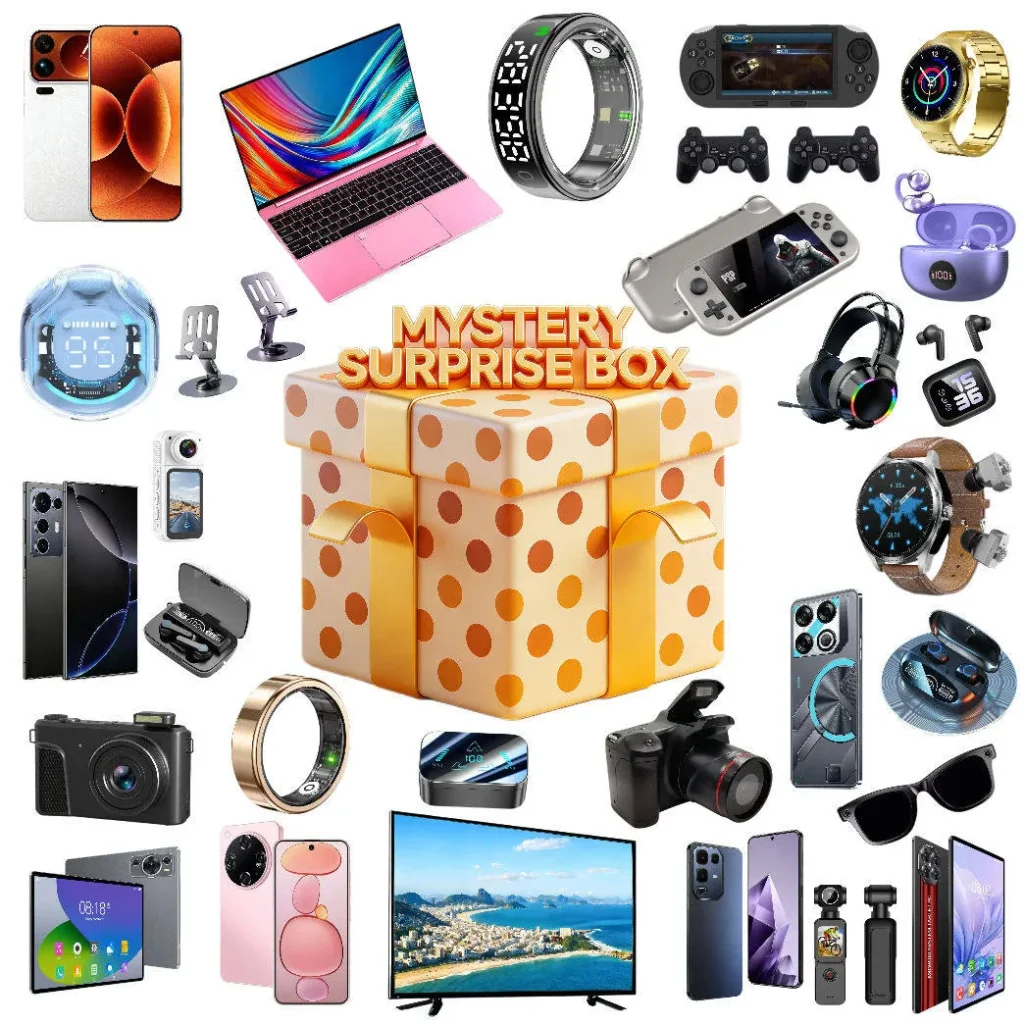
A phone case or a screen protector is the item in an electronics mystery box that costs the seller least and disappoints most, for one reason: it is cut for a specific phone, and the box did not know which phone you own. Sometimes it fits; often it fits a phone in your house that is not yours. Here is how you tell what model it is for, how to check your own, and what a wrong one is worth.
Why Fit Is a Coin Toss
Cases and protectors are cut to the millimetre. Two phones from the same maker in the same year, the standard and the Pro, differ by a few millimetres in height and by the size and shape of the camera bump, and a case for one will not close on the other. A protector for one leaves a strip of bare glass on the other. There is no such thing as a case that fits "most phones", and any seller who packs one into a random box is guessing; the only sellers who can get it right are those who ask for your model at checkout, which is why a note in the order is the single most useful thing you can do. What sellers can and cannot promise about compatibility is set out in phone compatibility and mystery box accessories, and a case is the sharpest example of it.
Reading the Case and Reading Your Phone
- Find the model the case was cut for on its inside, its packet or its protector sheet, then find your own in Settings, About, in under a minute.
- Same maker and year is not enough: standard, Plus, Pro and Max sizes differ, and the camera cutout is the giveaway.
- A case that does not fit you is not a fault or a short count; it is a small accessory to pass to whoever in your circle has that phone.
What the case says. Look inside the case for moulded text, on the packet for a model line, and on a protector's backing sheet for a printed name. It will read something like "for iPhone 15 Pro" or "Galaxy S24+", or it will carry a manufacturer's code you can search. A case with no marking at all is usually a generic clear TPU shell for one of the most common models, and you learn which by trying it.
What your phone is. On an iPhone, open Settings, then General, then About, and read the Model Name. On Android, open Settings, then About phone, and read the model name and number; on Samsung it is under About phone, then Status. The name on the box of your phone, if you kept it, says the same. Do not go by the size in your hand or the year you bought it; a Plus and a standard feel alike and are not.
The camera bump. If the names are close and you are still unsure, hold the case against the back of the phone and look at the camera cutout. The lenses should sit centred in the opening with an even gap. A cutout that is the wrong shape, or that would cover a lens, means a different model, whatever the packet says.
Fits, Nearly Fits, Does Not Fit
| What you find | What it means | What you do |
|---|---|---|
| Case clicks on, buttons line up, camera clear | Right model | Use it |
| Case snaps on but a button or the port is half covered | Same size, different model | Do not force it; the wrong case can press a button permanently |
| Case will not close over the camera bump | Different model | Pass it on |
| Protector leaves a bare strip at one edge | Wrong size | Do not apply it; a short protector lifts at the edge and traps dirt |
| Protector covers the front camera or a sensor | Wrong model | Do not apply it; the phone's face recognition and auto-brightness will misbehave |
| Protector fits but has a bubble you cannot chase out | Dust under the glass, not the wrong size | Lift and reapply in a steamy bathroom, or accept a corner bubble |
| Case fits but smells strongly of chemicals | Fresh TPU | Air it for a day; the smell goes |
| Case fits but is cracked or the protector arrived shattered | Damage in transit | Photograph and report it as a faulty item |
Read the second and fifth rows twice, because they are the ones where forcing a near-fit does harm. A case that presses the power button all the time will put the phone into restart loops, and a protector over the sensor beside the front camera stops face recognition working until you notice why. Nearly fits means does not fit. The last row is the only one that is a claim against the seller, and the routine for it is in how to document a mystery box on arrival.
Note: A protector that fits is worth applying properly. Wash your hands, clean the screen with the alcohol wipe in the packet and then the dry cloth, pull the dust sticker across the glass, and lay the protector down from one end with the guide stickers holding it in line. A bathroom after a hot shower has the least airborne dust of any room in the house. A small bubble at a corner is dust and will not spread; a large one in the middle means lift and start again.

What a Case That Does Not Fit Is Worth
Less than you think as a loss and more than you think as a gift. A case or a protector is the lowest-cost item in any electronics box, a dollar or two at wholesale, and it is there as a filler alongside the items that carry the value. A wrong-model case is not a short count, not a fault, and not a reason for a claim; what counts as a short count, and how to prove one, is in mystery box short count: how to prove you got fewer items. It is, however, exactly the right size for someone else. Ask around: the model printed on it belongs to a phone somewhere in your family, your office or your group chat, and a new case for the right phone is a small kindness that costs you nothing.
If you sell the rest of a box's contents, a case for a popular current model is easy to list and worth a few dollars; one for a phone three generations old is worth listing only in a bundle. The general reselling picture is in reselling mystery box items: what sells and what does not.
Getting the Right One Next Time
- Write your phone model in the order notes, with the exact name from Settings: "iPhone 15 Pro, not Pro Max" is the level of detail that helps.
- Say whether you want a case at all. A seller who reads notes can leave it out and pack something universal instead.
- Do not expect a promise. A seller who will not guarantee compatibility is being honest; a note gives them the chance to match, not an obligation.
What This Means When You Order
You should expect any case or protector in a mystery box to be cut for one model, to fit only if the seller knew yours, and to be a filler item rather than the value of the box. Check the model on the case against the model in your settings, refuse to force a near-fit, and pass a wrong one to whoever it fits. Mewoo reads the order notes you leave at checkout and states what each tier is built around; tell any seller your model there, and read what they promise about compatibility before you count on it.
FAQ
How do I find out which phone model a case is for?
The name is usually somewhere on the accessory itself: raised lettering on the inner surface of a shell, a line of type on the sleeve it came in, or print on the peel-off film of a glass protector. A bare code can be searched online. An entirely blank clear shell tends to be cut for a best-selling current handset, and trying it on a few phones settles which. The camera opening is the quickest tell.
How do I check my own phone model?
iPhone owners find it two menus deep in General, listed as Model Name. Android owners find it under the About phone entry, sometimes a level deeper under Status on Samsung. The label on the retail box repeats it. Trust that text rather than the feel of the phone, since the standard and larger editions of one handset can be a few millimetres apart and share only the name.
The case almost fits. Can I use it anyway?
No. A case for a neighbouring model can hold a button down, block the charging port or the microphone, or press on a camera lens, and the pressure is constant rather than occasional. A protector that is a few millimetres short lifts at the edge and collects grit under it, which scratches the glass it was meant to protect. Almost fitting is the same as not fitting; give it to someone with the right phone.
Is a case that does not fit my phone a fault I can claim for?
Not on its own. The item is what it is, and the box did not promise your model unless you gave the seller your model and they agreed to match it. A claim applies if the case arrived cracked or the protector arrived shattered, which is transit damage; photograph it and report it inside the seller's window. For a working accessory for the wrong phone, pass it on and put your model in the notes next time.
How do I apply a screen protector without bubbles?
Pick the steamiest room you have, right after a shower, because moist air carries the fewest dust particles. Clean hands, then the wet wipe, then the lint cloth, then the sticky dust patch for whatever specks remain. Hinge the glass down from one edge with the alignment tabs holding it square, and press outward from the middle. One speck trapped at a corner is harmless; a wide bubble in the centre means peel and repeat.
Can I ask the seller for a case that fits my phone?
Yes, in the order notes, with the exact model name from your settings, and it is worth doing even though most sellers will not guarantee compatibility. Whoever packs the box can then choose a matching case or drop it entirely; without the note, whatever sits on the shelf goes in. Treat the note as improving your odds, not securing a promise.
Final Thoughts
A case or a protector in a mystery box is a filler cut for one phone, and whether it is yours is a matter of whether the seller knew your model. Read the model on the case, read your own in Settings, compare the camera cutout, and never force a near-fit. A wrong one is not a fault or a short count; it is a small gift for whoever has that phone. Put your model in the notes next time.
If you want a box where a note about your phone model is read before packing and every device is powered on before dispatch, start with the Triple Reveal Electronics Mystery Box (3 items) or the Party Electronics Mystery Box (6 items). Compare every tier side by side on the electronics mystery box category page.
See what "tech" covers on a listing →

